The Short Answer
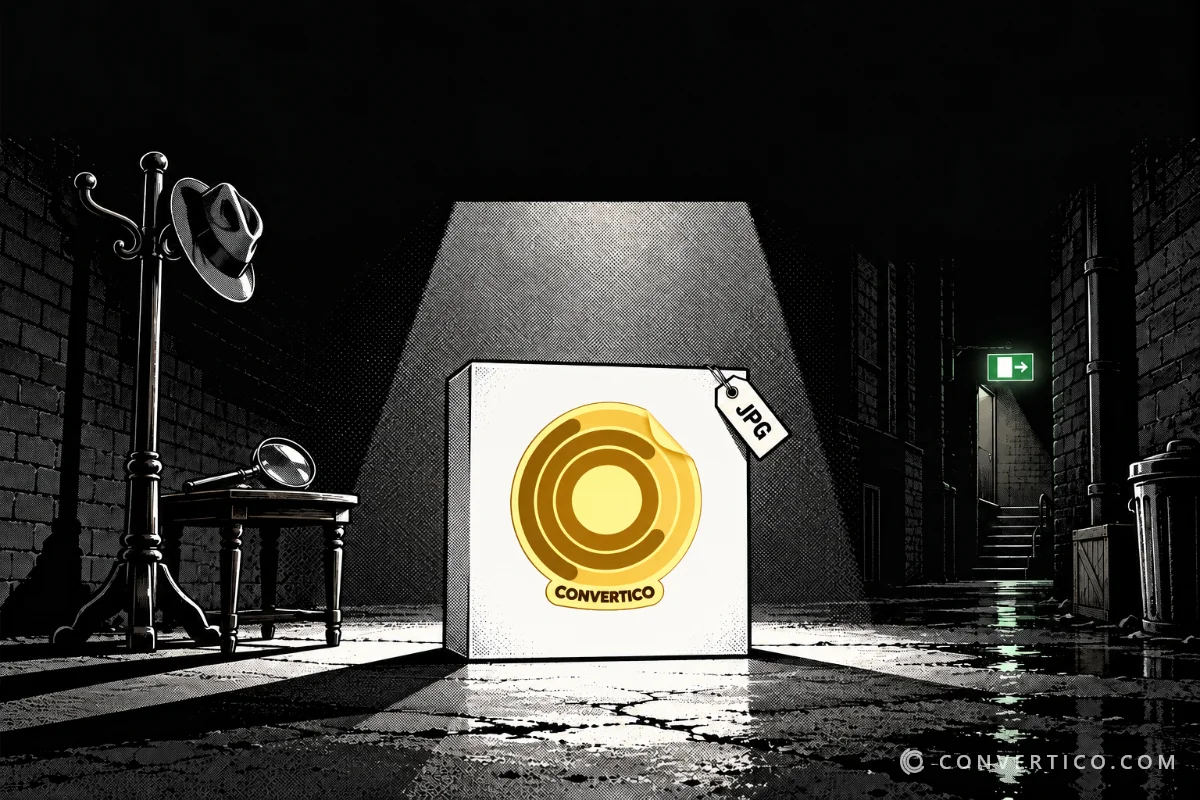
Your icon has a white box because JPG cannot store transparency - every pixel must have a colour.
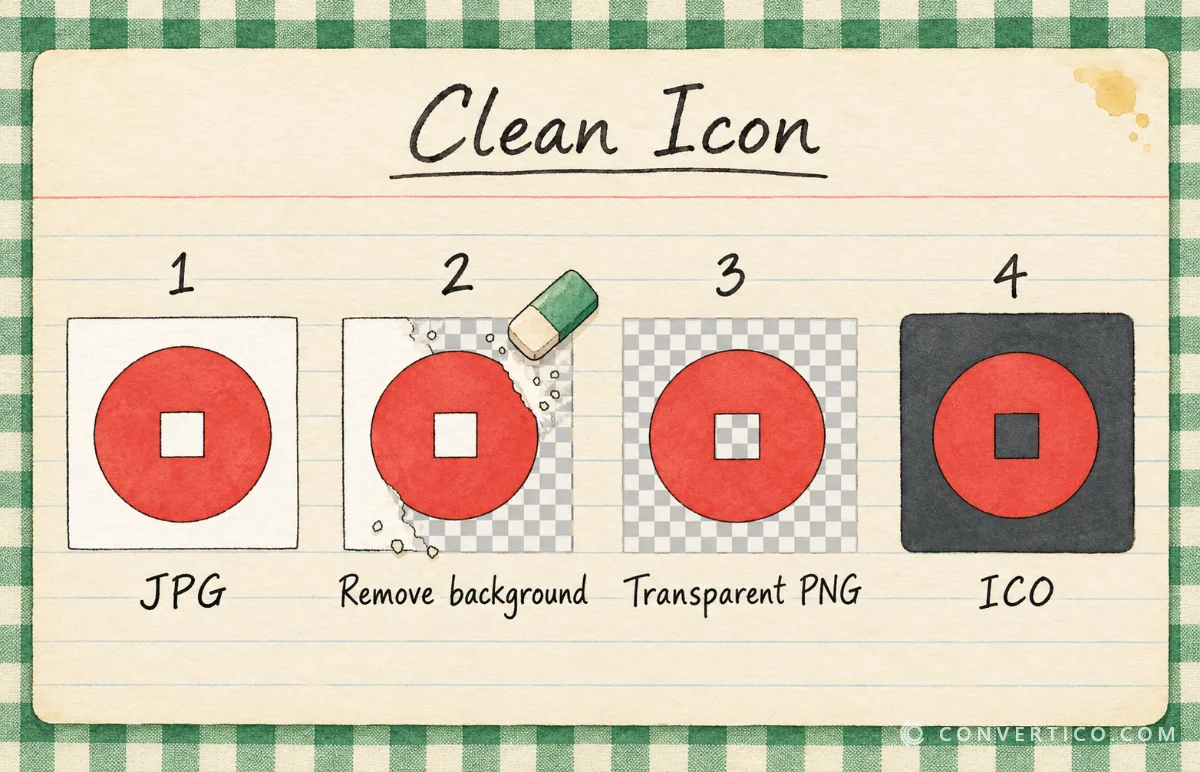
The fix: remove the background, save a transparent PNG, then convert that to ICO.
Or do both in one step with the Transparent Icon Maker.
Why JPG Cannot Be Transparent
JPG was made in 1992 for photos. It stores red, green and blue for every pixel - but no alpha channel, the extra layer that says how see-through a pixel is.
So when a logo with an empty background is saved as JPG, the empty part is filled with a colour - usually white. Convert that to an icon and the white comes along.
| Step | What happens | Result |
|---|---|---|
| You design a logo | The background is empty | Looks perfect |
| You save it as JPG | Empty pixels become white | White background |
| You convert it to ICO | The converter sees white pixels as part of the image | White box in your icon |
The converter is not broken - it simply cannot know which white pixels are "background". More on the JPG format in JPG, JPEG, JPE, JFIF explained.
When a JPG Icon Is Fine
- Square photos - a pet, a holiday photo or a profile picture as a folder icon.
- Designs that fill the square - a logo on a coloured tile that reaches every edge.
- An intentional frame - a polaroid-style border.
In those cases, JPG to ICO is all you need. For logos, round shapes and anything that should float on the desktop, read on.
The Fix in Two Minutes
- Remove the background with the PNG Background Remover (photos) or the Transparent Icon Maker (logos on a plain colour). Both save a transparent PNG.
- Check the result - transparent areas show as a checkerboard.
- Convert the PNG with PNG to ICO and pick 16, 32, 48 and 256 px (or the Windows preset).
- Open the ICO in the ICO Analyzer to confirm every size is transparent.
Have the original design file? Export a PNG from it instead - that is cleaner than any background removal.
Which Formats Keep Transparency?
| Format | Transparency | For icons | Converter |
|---|---|---|---|
| PNG | Yes, smooth | Best choice | PNG to ICO |
| SVG | Yes | Best for logos | SVG to ICO |
| WebP | Yes, smooth | Great | WebP to ICO |
| AVIF | Yes, smooth | Great | AVIF to ICO |
| GIF | Only on/off - jagged edges | Limited | GIF to ICO |
| JPG | No | Only for square photos | JPG to ICO |
Not sure which to use in general? See PNG vs JPG.
Favicons Have the Same Problem
Browser tabs can be light or dark, so a white box around a favicon stands out even more.
Start from a transparent PNG and use the Favicon Generator, or JPG to Favicon only for square images.
Stuck With the JPG?
- Match the background - fill the JPG background with the colour it will sit on.
- Fill the square - design the icon as a full tile with an intentional background colour.
- Use the Icon Maker - the Icon Maker crops your JPG into a rounded or circle icon on a solid colour, so the box looks designed.
Get Rid of the White Box
Remove the background and save a transparent icon in one step - free, in your browser.
Transparent Icon Maker PNG to ICOFrequently Asked Questions
Can I make a JPG transparent?
No. JPG has no alpha channel. Remove the background and save the result as PNG.
Why does my icon have a black background instead of white?
Some programs fill missing transparency with black. The fix is the same - start from a transparent PNG.
Can I remove the white background after converting to ICO?
Yes, but it is easier to fix the source. The Transparent Icon Maker can also clean up an existing icon.
What size should my PNG be for an icon?
At least 256 × 256 px, square. The converter makes the smaller sizes from it.
Does a transparent ICO have a bigger file size?
Only slightly. Compress ICO can shrink it if needed.
Do Mac icons have the same problem?
Yes - ICNS supports transparency, but only if the source image has it. Start from a transparent PNG.
Still stuck? Ask us - we reply faster than a JPEG loads on dial-up.
The Bottom Line
- JPG cannot be transparent - that is the white box
- Square photos as JPG icons are fine
- Logos: remove the background, save PNG, convert to ICO
- Or do it in one step with the Transparent Icon Maker
No more ransom-note desktop - just clean icons floating where they belong.