

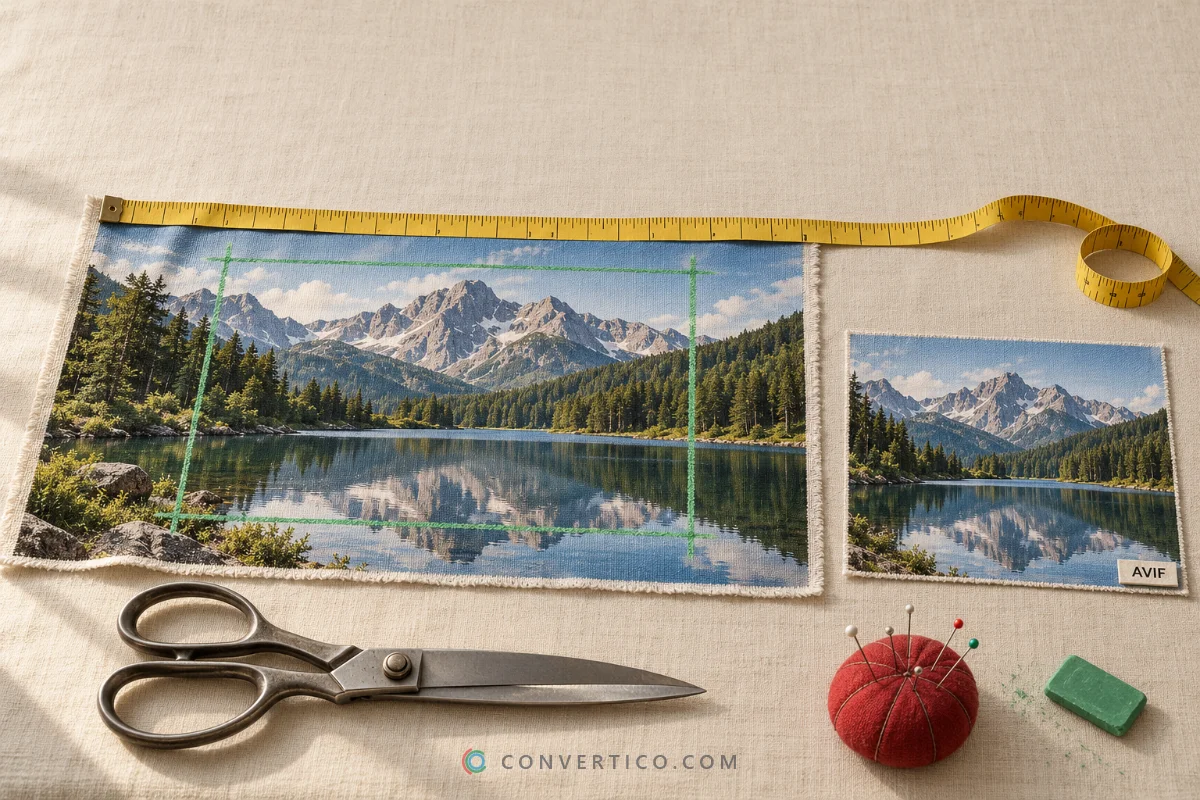
The Short Answer
Drop your AVIF into the Image Resizer, set the new width, and keep AVIF as the output.
Scaling down never loses sharpness - the quality setting on save is what decides how clean it looks.
For AVIF, a quality of about 60-70 looks as good as a JPG at 80-85, at a much smaller size.
Why AVIF Is Worth Keeping
- Small - often about half the size of a JPG at the same visible quality.
- Transparent - like PNG, but far lighter.
- HDR and wide colour - keeps the extra colour of modern phone photos.
- Supported everywhere that matters - every current version of Chrome, Edge, Firefox and Safari shows AVIF.
So when you resize, keep the file as AVIF rather than converting to JPG - unless the place you upload to does not accept it.
How to Resize an AVIF
- Open the Image Resizer and drop in your AVIF files - up to 30 at once.
- Choose how to resize: pixels, percentage, cm or inches, or an exact file size like 100 KB.
- Keep the aspect ratio locked so nothing gets stretched.
- Keep AVIF as the output format and download.
The Right Quality Setting
| AVIF quality | Result | Use for |
|---|---|---|
| 75-90 | Near-original, larger files | Photography portfolios, print previews |
| 60-70 | Looks like a JPG at 80-85, much smaller | Most website images - start here |
| 45-55 | Small, slight softening on close look | Thumbnails, backgrounds |
| Below 40 | Visible smearing | Only when size matters most |
AVIF counts quality differently from JPG, so do not copy your JPG numbers across. Need it even smaller after resizing? Run it through Compress AVIF.
Sizes for Responsive Websites
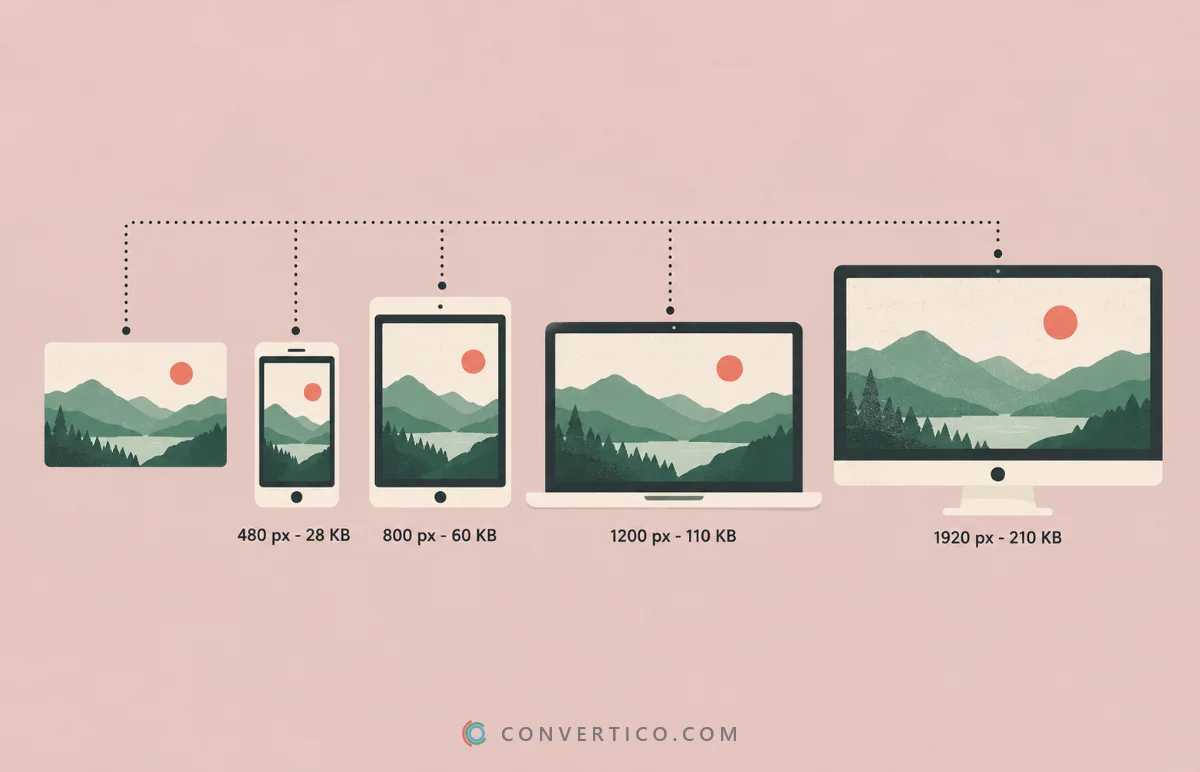
Make a few widths of each image and let the browser pick the right one:
<img src="photo-1200.avif"
     srcset="photo-480.avif 480w, photo-800.avif 800w, photo-1200.avif 1200w, photo-1920.avif 1920w"
sizes="(max-width: 800px) 100vw, 800px" alt="...">| Width | Typical use |
|---|---|
| 480 px | Phones |
| 800 px | Tablets, article images on phones |
| 1200 px | Article images on laptops |
| 1920 px | Full-width banners |
More on choosing sizes and formats in how to reduce image file size.
AVIF Will Not Open or Upload?
| Problem | Fix |
|---|---|
| Old software cannot open AVIF | Preview it in the AVIF Viewer |
| A website or app rejects AVIF | Convert with AVIF to JPG or AVIF to PNG (keeps transparency) |
| Want to check size, depth and HDR | Open it in the AVIF Analyzer |
| Have JPG or PNG, want AVIF | JPG to AVIF or PNG to AVIF |
Resize Your AVIF Images
By pixels, percentage or file size - up to 30 at once, free and without watermarks.
Image Resizer Compress AVIFFrequently Asked Questions
How do I resize an AVIF image?
Open an image resizer that supports AVIF, set the width or percentage, keep AVIF as the output and download.
Does resizing AVIF reduce quality?
Scaling down keeps it sharp. The quality setting on save decides how clean it looks - around 60-70 is a good start.
What is a good AVIF quality setting?
About 60-70 for most web images. It looks like a JPG at 80-85 with a much smaller file.
Should I convert AVIF to JPG?
Only if a site or app does not accept AVIF. Otherwise keep AVIF - it is smaller at the same quality.
Can I resize AVIF to an exact file size?
Yes. The Image Resizer can aim for a file size like 50 or 100 KB.
Do all browsers support AVIF?
All current versions of Chrome, Edge, Firefox and Safari do. Very old browsers do not.
Still stuck? Ask us - we reply faster than a JPEG loads on dial-up.
The Bottom Line
- Resize AVIF to AVIF - do not convert unless you must
- Quality 60-70 is the sweet spot
- Make several widths for responsive websites
- Will not open? View it or convert it to JPG/PNG
Small files, sharp pictures - AVIF at its best.
