The Short Answer
Drop your image into a background remover, then save it as PNG - not JPG.
For photos, AI does it in seconds; for logos on a plain colour, removing that one colour is even cleaner.
Here is the fastest way for every kind of image and every device.
| Your image | Fastest way |
|---|---|
| Photo of a person, pet or product | PNG Background Remover (AI, in your browser) |
| Logo or icon on a white or plain background | Transparent Icon Maker - removes the colour, saves PNG or ICO |
| Animated GIF | GIF Background Remover |
| AVIF image | AVIF Background Remover |
| SVG graphic | SVG Background Remover |
Which Formats Can Be Transparent?
| Format | Transparency | Good for |
|---|---|---|
| PNG | Yes - smooth, partial transparency | Logos, cut-outs, icons - the safe choice |
| WebP | Yes - smooth | Websites, smaller files than PNG |
| AVIF | Yes - smooth | Websites, smallest files |
| SVG | Yes | Logos and icons as vectors |
| GIF | Only on/off - jagged edges | Simple animations |
| JPG | No | Photos with a background |
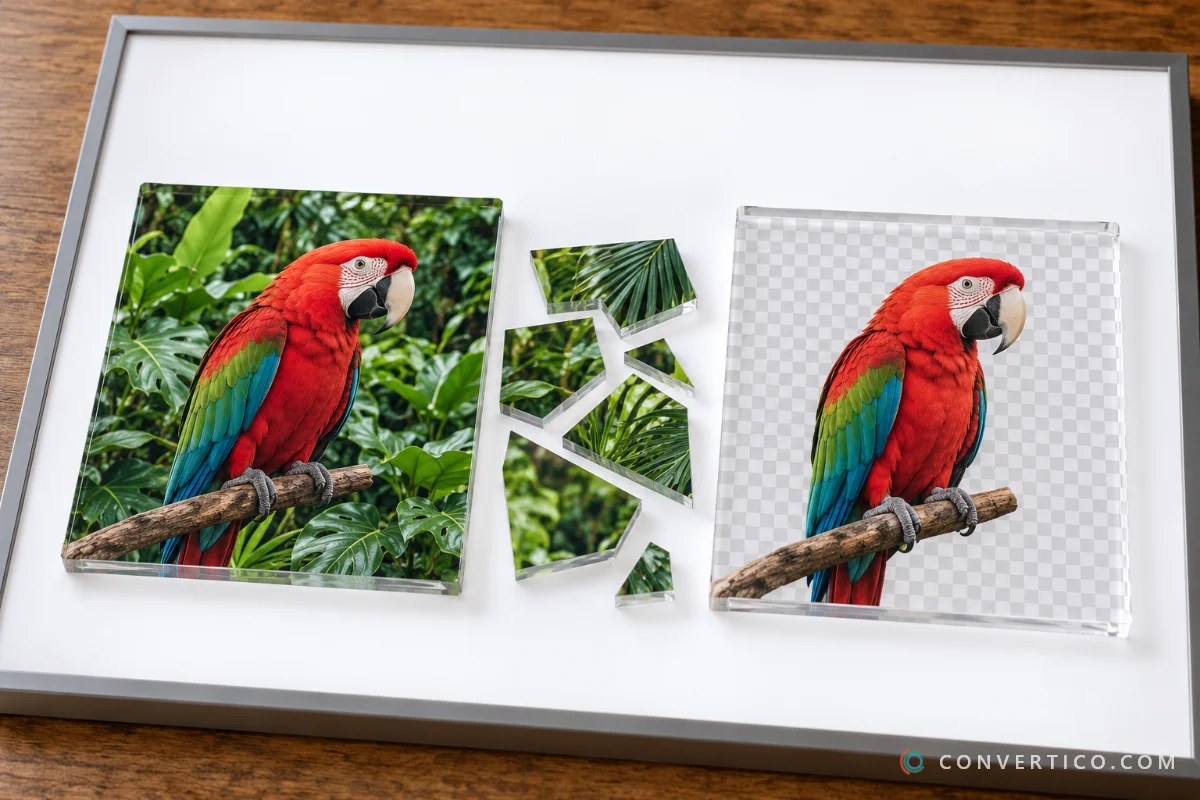
Transparency lives in the alpha channel - a fourth layer next to red, green and blue that says how see-through each pixel is.
The grey-and-white checkerboard you see in editors is only there to show transparency. It is not part of your image.
Remove a Background Online (Free)
- Open the PNG Background Remover and drop in your image - PNG, JPG, WebP and more, several at once if you like.
- The AI model finds the subject and removes everything else, right in your browser. Nothing is uploaded.
- Check the edges on the preview.
- Download the transparent PNG.
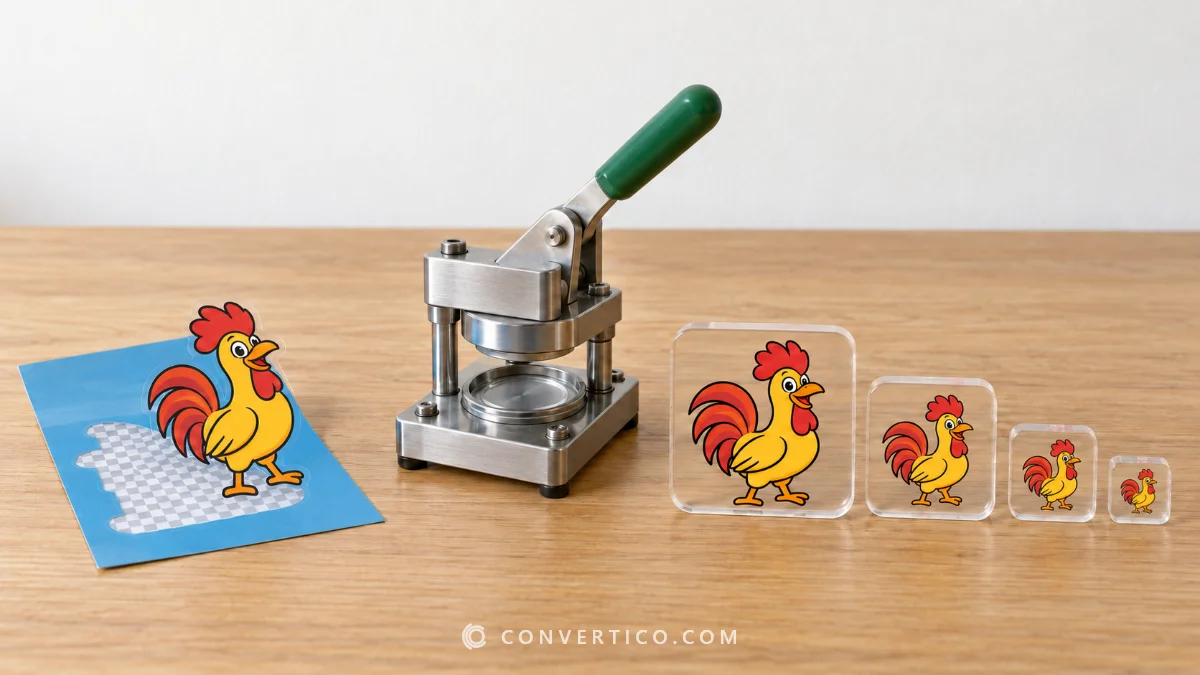
Logo on a white box? The Transparent Icon Maker removes that exact colour instead of guessing, so flat logos come out razor-clean. It saves PNG or a ready ICO icon.
Built Into Your Computer or Phone
- Windows 11 - open the image in Paint and click Remove background in the Image group. Save as PNG.
- Mac - right-click the image in Finder and choose Quick Actions > Remove Background (macOS Ventura and later).
- iPhone and iPad - in Photos, touch and hold the subject until it glows, then tap Copy or Share (iOS 16 and later).
These are great for a quick job. For hair, fine edges or many files at once, an AI remover or Photoshop does better.
In Photoshop
Quick: open the image, go to Window > Properties and click Remove Background. Photoshop adds a layer mask for you.
Precise: use Select > Subject, then Select and Mask and paint over hair and fur with the Refine Edge Brush. Output to a new layer with a mask.
Export with File > Export > Export As > PNG and keep transparency on. Save the PSD too, so you can fix the mask later.
In GIMP (Free)
- Right-click the layer and choose Add Alpha Channel.
- For a plain background, use Select by Color and click it; for photos, use the Foreground Select tool.
- Press Delete to clear the background.
- Export with File > Export As and choose PNG.
Fix Halos, White Boxes and Jagged Edges
| Problem | Why | Fix |
|---|---|---|
| White or dark fringe around the subject | Leftover background pixels on the edge | Shrink the selection by 1-2 px, or in Photoshop use Layer > Matting > Defringe |
| Background turns white after saving | It was saved as JPG | Save as PNG, WebP or AVIF |
| Jagged, stair-step edges | Small image, or saved as GIF | Start larger and save as PNG |
| Part of the subject disappeared | The AI mixed it up with the background | Paint it back with a restore brush |
| Looks fine here, white box elsewhere | Some previews do not show transparency | Open the actual file - it is still transparent |
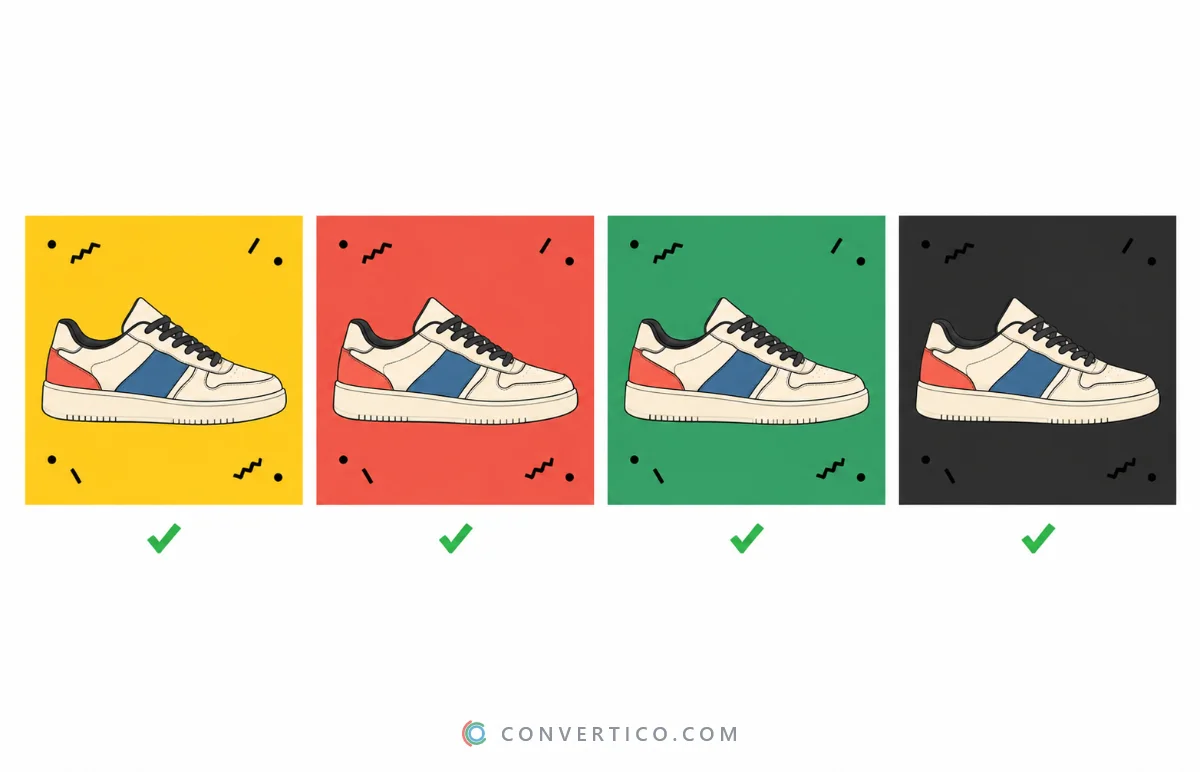
Always test your cut-out on a dark and a light background. Halos hide on white and jump out on black.
Tips for Cleaner Results
- Contrast helps - a subject that stands out from its background cuts out cleaner.
- Bigger is better - more pixels give the AI more edge to work with.
- Hair is the hard part - accept a few lost strands, or refine them in Photoshop.
- Keep the original - you may want to redo the cut later.
Making an icon from the result? Read why JPG icons get a white box, then convert the PNG with PNG to ICO.
Remove a Background Now
AI cut-outs in your browser - no upload, no watermark, batch included.
PNG Background Remover Transparent Icon MakerFrequently Asked Questions
How do I make an image background transparent?
Remove the background with a background remover or editor, then save the image as PNG, WebP or AVIF. JPG cannot be transparent.
Can a JPG be transparent?
No. JPG has no alpha channel. Remove the background and save the result as PNG.
Why does my transparent PNG show a white background?
Some previews and email clients draw transparency as white. Open the file in an image editor - the transparency is still there.
How do I make a logo transparent?
If the logo sits on one plain colour, remove that colour with the Transparent Icon Maker or a magic wand tool, then save as PNG.
Can I remove a background in Windows without extra software?
Yes. Windows 11 Paint has a Remove background button. Save the result as PNG.
Can GIFs have a transparent background?
Yes, but only fully on or off, so edges can look jagged. The GIF Background Remover makes every frame transparent.
Is it safe to remove backgrounds online?
With an in-browser tool like the PNG Background Remover, the image never leaves your device.
Still stuck? Ask us - we reply faster than a JPEG loads on dial-up.
The Bottom Line
- Photos: AI remover - logos: remove the colour
- Save as PNG, WebP or AVIF - never JPG
- Windows Paint, Mac Quick Actions and iPhone Photos can do it too
- Check the edges on a dark and a light background
Goodbye, white box. Your image can finally go anywhere.