The Short Answer
Open PNG to ICO, pick your sizes and drop in the PNG - the ICO is ready in a second.
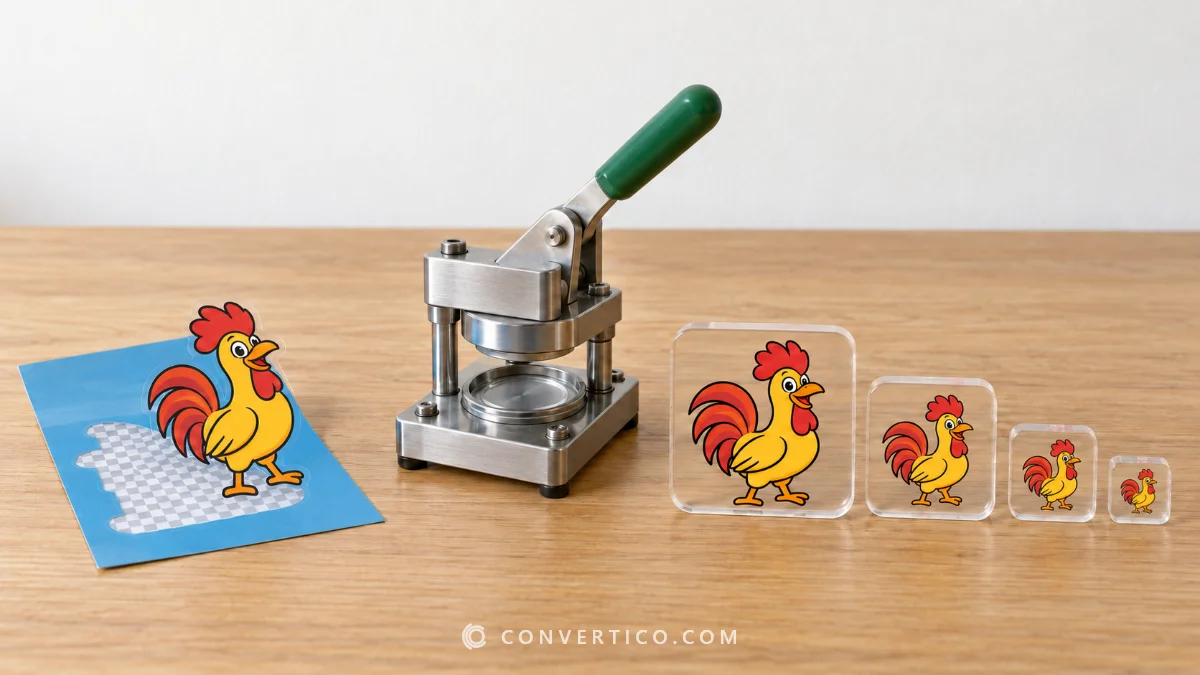
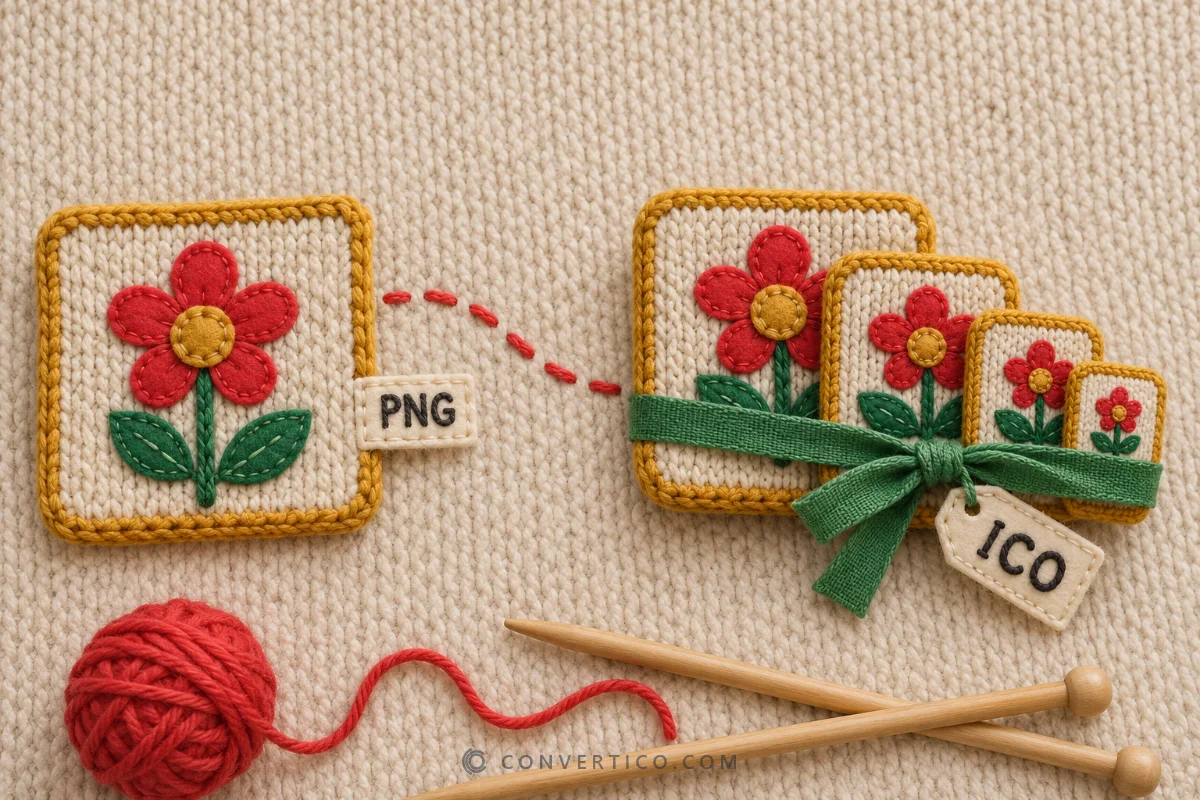
It runs in your browser, keeps transparency and puts every size you choose into one .ico file.
The rest of this guide covers which sizes to pick and how to get a perfect result.
| Using it for | Pick these sizes |
|---|---|
| A website favicon | 16, 32 and 48 px |
| A Windows app, shortcut or folder | 16, 20, 24, 32, 40, 48, 64 and 256 px |
| Not sure | The Recommended preset |
Step by Step
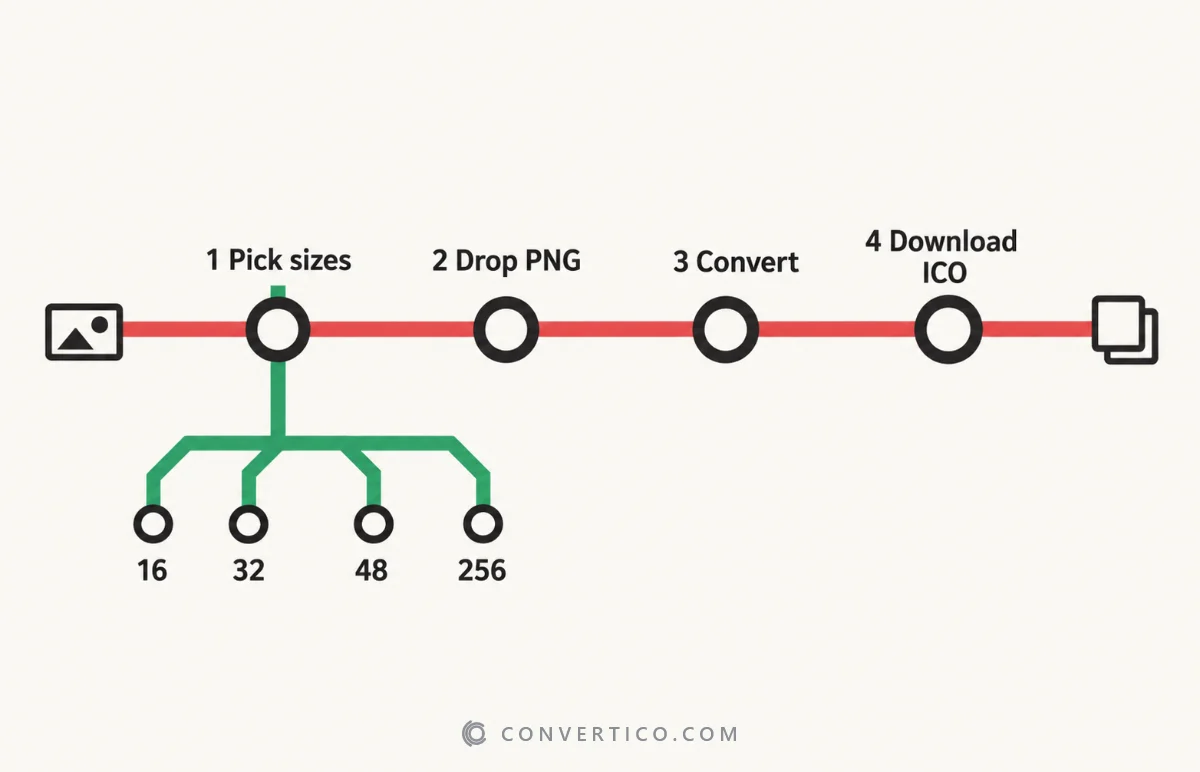
- Open PNG to ICO - it is the ConvertICO homepage.
- Choose the icon sizes, or keep the Recommended preset.
- Drop in your PNG, or several - up to 30 at once.
- Press Download. With three or more files you can grab them all in one ZIP.
Nothing is uploaded - the conversion happens on your own device.
Get Your PNG Ready
Four quick checks make the difference between an okay icon and a crisp one.
- Square - a non-square PNG is centred on a transparent background, never stretched. To choose the framing yourself, crop it first with the Image Cropper.
- At least 256 × 256 px - the largest icon size is 256, so a smaller PNG has to be stretched. The Image Upscaler can help.
- Transparent background - remove a white or coloured background with the PNG Background Remover.
- Simple at 16 px - thin lines and small text vanish at icon size. Bold shapes work best.
Will It Work in Windows 11?
Yes. Sizes under 256 px are saved as 32-bit bitmaps and the 256 px size as a 32-bit PNG - the layout Windows 11, 10, 8 and 7 expect.
To put the icon on a folder, a shortcut or a drive, follow the guide to custom icons for Windows 11.
Use It as a Favicon
Upload the ICO to your site's root as favicon.ico and add one line to the <head>:
<link rel="icon" href="/favicon.ico" sizes="32x32">Want the full set, with Apple and Android icons too? The Favicon Package Generator makes everything from one image.
All sizes for every platform are in the icon size cheat sheet.
Check the Result
Open the finished file in the ICO Analyzer to see every size inside, its colour depth and its transparency.
A size missing or looking soft? Add or rebuild sizes with the Icon Resizer.
Not a PNG? Other Ways to Make an ICO
| You have | Use |
|---|---|
| A JPG photo | JPG to ICO - see why JPG icons get a white box |
| An SVG logo | SVG to ICO - the sharpest result at every size |
| Any other image (WebP, AVIF, HEIC...) | Image to ICO |
| A Photoshop file | PSD to ICO |
| Only an idea or initials | Icon Maker - crop, shapes, letters and emoji |
Convert Your PNG Now
Multi-size, transparent, Windows-ready ICO files - free, in your browser.
PNG to ICO Icon MakerFrequently Asked Questions
How do I convert PNG to ICO?
Open the PNG to ICO converter, pick your sizes, drop in the PNG and press Download. Every size you picked ends up in one .ico file.
What size should a PNG be for an ICO?
At least 256 × 256 px and square. Smaller images work, but the larger icon sizes will look soft.
Which sizes should an ICO file have?
For a favicon: 16, 32 and 48 px. For a Windows app or folder icon: 16, 20, 24, 32, 40, 48, 64 and 256 px.
Does PNG to ICO keep transparency?
Yes. Transparent areas stay transparent in every size, with smooth edges.
Can I convert several PNGs at once?
Yes, up to 30. Each becomes its own ICO, and three or more can be downloaded as one ZIP.
Is my image uploaded?
No. The conversion runs in your browser, so the file never leaves your device.
Can I just rename a .png to .ico?
No. Windows needs a real ICO file, so a renamed PNG shows "the file contains no icons". Convert it properly instead.
Still stuck? Ask us - we reply faster than a JPEG loads on dial-up.
The Bottom Line
- PNG to ICO: pick sizes, drop the PNG, download
- Favicon: 16, 32, 48 - Windows: 16 to 256
- Start square, transparent and at least 256 px
- Check the file in the ICO Analyzer
That is it - your icon is ready for the tab, the taskbar or the desktop.